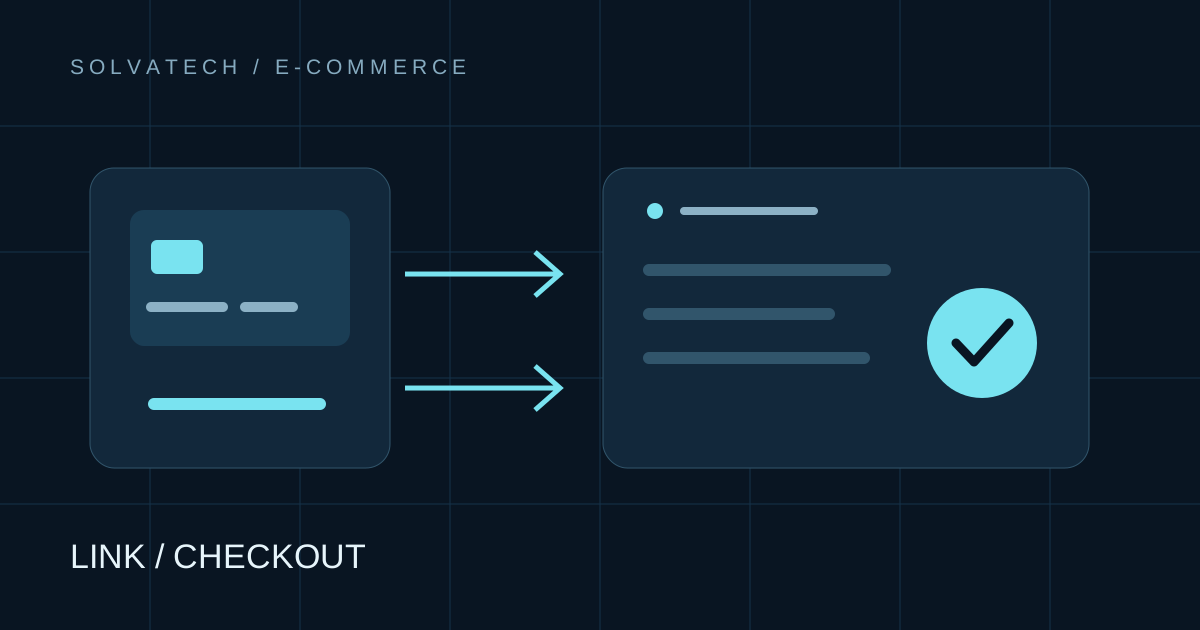
To collect online payments in Paraguay, you can arrange a bank transfer, share a payment link or connect checkout to your website. Choose according to your sales process and the services actually enabled for your business. A payment button alone does not manage inventory, delivery or invoicing.
Start with the way a sale ends
For a custom service, you usually agree scope and price first. WhatsApp ordering and an agreed payment method can be enough. For fixed-price products delivered without negotiation, checkout connected to an order can reduce manual work.
| Method | Useful for | Verification | Remaining work |
|---|---|---|---|
| Arranged transfer | Services and made-to-order sales | Check receipt in the receiving account | Match payment and fulfilment |
| Payment link | A sale already agreed | Inspect provider transaction status | Register and follow up the order |
| Integrated checkout | Defined prices and fulfilment rules | Server verification with the provider | Status, stock, delivery and support |
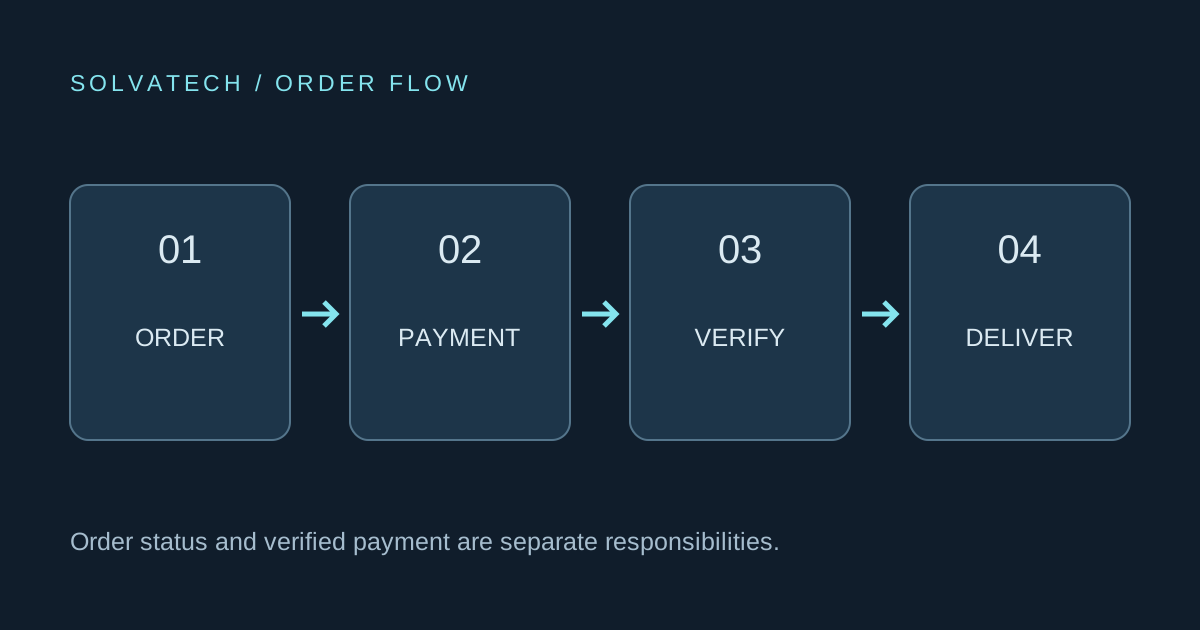
Transfers need verification
Share the details of an account enabled for your operation. Check actual receipt before delivery: a customer's screenshot is not a substitute. Transfers are not universally free; fees, limits and availability depend on the bank, channel and operation. Confirm terms and offer another enabled method when needed.
Payment links without a full store
A link takes the buyer to a payment screen and can be shared through WhatsApp, email or your website. Bancard TPago describes this approach. Accepted methods depend on merchant approval. API access and automated confirmations are product-specific, not a feature of every link.
Integrated checkout connects the order
Bancard vPOS supports website and app integrations. Request merchant requirements, current documentation, testing facilities, enabled methods and written terms before commissioning development.
The application must distinguish approved, declined and pending payments. Verify confirmation on the server; a thank-you page is not proof of payment. Repeated notifications must not duplicate orders.
Why the upay/Pagopar recommendation changed
The previous version recommended Pagopar as a way to start collecting payments. We have withdrawn that recommendation because of the ueno situation and insufficient confirmation of each product's current operation.
Existing customers should request their transaction status and applicable support information directly. For a new project, evaluate a provider that can confirm onboarding and settlement for your business. Historical Pagopar references in our portfolio describe earlier work, not a current recommendation.
International services require country-specific checks
Being able to pay does not establish the ability to receive or withdraw funds as a business. Check the entity's registration country, accepted methods, currencies, settlement and account terms. We do not promise universal local compatibility with PayPal, Stripe or other platforms.
Before commissioning integration
- Confirm merchant approval and enabled products.
- Obtain fees, charges, applicable taxes and settlement terms.
- Define refunds and pending-payment support.
- Match website orders to provider transactions.
- Test approval, decline, interruption and repeated confirmation.
We do not publish a fixed fee table because product and contract terms vary. Development costs are separate from transaction charges.
Choose the right project scope
Compare a WhatsApp catalogue with an online store, then read payment links versus integrated gateways. Tell us what you sell, who buys it, how it is delivered and which provider is enabled.
See our catalogue service or custom systems, and prepare a project brief before requesting a quote.